Is My Song Private? Straight Answers
Yes. By default, every song you make with Tuneliq stays on your own phone.
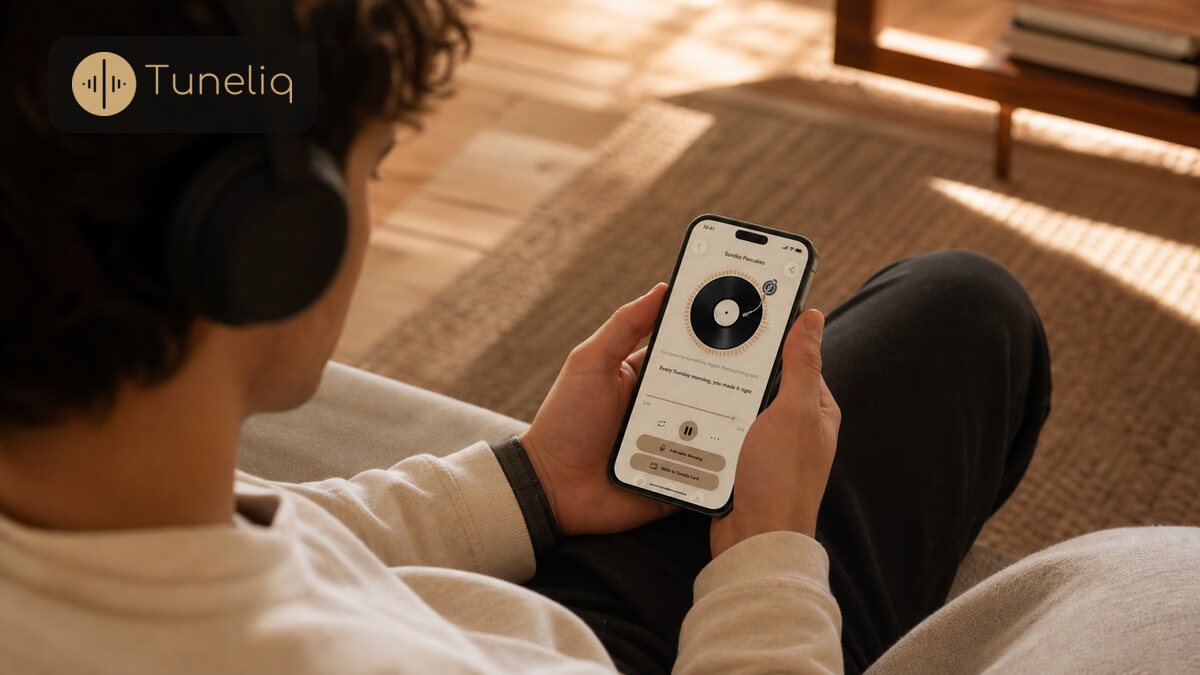
Yes. By default, every song you make with Tuneliq stays on your own phone. Tuneliq is a personalized song gift, and nothing about it goes to the cloud unless you choose to share it. When you do share, you send a link the recipient can tap and hear, and you can stop sharing at any time, which removes it from the cloud.
Where does my song actually live?
On your phone. When you make a song in Tuneliq, it saves to your own device, not to an account somewhere in the cloud. That's the default, and it stays that way unless you do something to change it. Write a song for your mom and never send it anywhere, and it just sits on your phone. No server gets a copy. Local first, plain and simple.
That setup exists for a reason. A song here isn't a track you're posting for strangers. It's the thing you couldn't say out loud, and Tuneliq turned those words into a one-of-a-kind song made for one person. Until you decide to hand it over, it's yours and nobody else's.
So who can actually hear it?
Only you, until you choose otherwise. Nothing you make is public, and there's no feed where other people stumble onto your songs. Tuneliq is a personalized song gift, so the whole point is that you pick the one person it's for and decide when they get it. There's no browsing other people's songs, and no one is browsing yours.
What happens when I share one?
Sharing is a choice you make, not something running in the background. When you're ready to give the song, you create a link (or a QR code) for that one song. The person you send it to taps the link and hears it. They don't download the app, and they don't set up an account. They just listen.
Say you finish a song for your partner's anniversary. You can text them the link, or show the QR code across the kitchen table. Either way, they open it and the song plays. If they never get the link, they never get the song.
Creating that link is the moment a copy goes up so the other person can play it. Before that, nothing left your phone. The cloud only ever holds a song you deliberately chose to send, and only for as long as you're sharing it.
Can I take a shared song back?
Yes. You can stop sharing whenever you want. The moment you do, that song comes down from the cloud, the link stops working, and the copy is gone. You're not locked into leaving it up, and you're not trusting us to babysit it forever. You turn sharing on to give the gift, and off when you're done.
So if you shared a song and later want it private again, you don't have to email support or delete an account to do it. You just switch sharing off.
One honest clarification: this is about the shared copy, the one behind the link. The original still lives on your phone, right where it always was.
What Tuneliq doesn't claim
Here's what I won't pretend. Tuneliq doesn't promise to keep your songs in the cloud forever, and it shouldn't. Your songs live with you, on your device. The cloud is a temporary hand-off for the ones you share, and you hold the switch the entire time.
Past that, I'm not going to invent details about encryption or data handling that I can't back up. The full legal wording lives on the Privacy page on the website. If you want the fine print on exactly what's handled and how, read it there instead of taking a blog summary as the contract.
Next step
If you're wondering how a few sentences you type turn into a finished song in the first place, read How Tuneliq Works. It walks through what happens between the words you write and the song you end up giving.